Invisible interface for meetings

Invisible interface for meetings

Invisible interface for meetings

Read your script while sharing your screen and looking at the camera, without anyone else seeing it.

macOS 15+ · Apple Silicon & Intel · No sign-up required

macOS 15+ · Apple Silicon & Intel

no sign-up required

Compatible with all your favorite platforms

Utilities

Everything you need
to present better.

Read your script while maintaining eye contact on camera, without anyone seeing the text.
Read without being noticed.

Keep your eyes on the camera while reading your script.

Read without being noticed.

Keep your eyes on the camera while reading your script.

1. Lee sin que se note

Keep your eyes on the camera while reading your script.

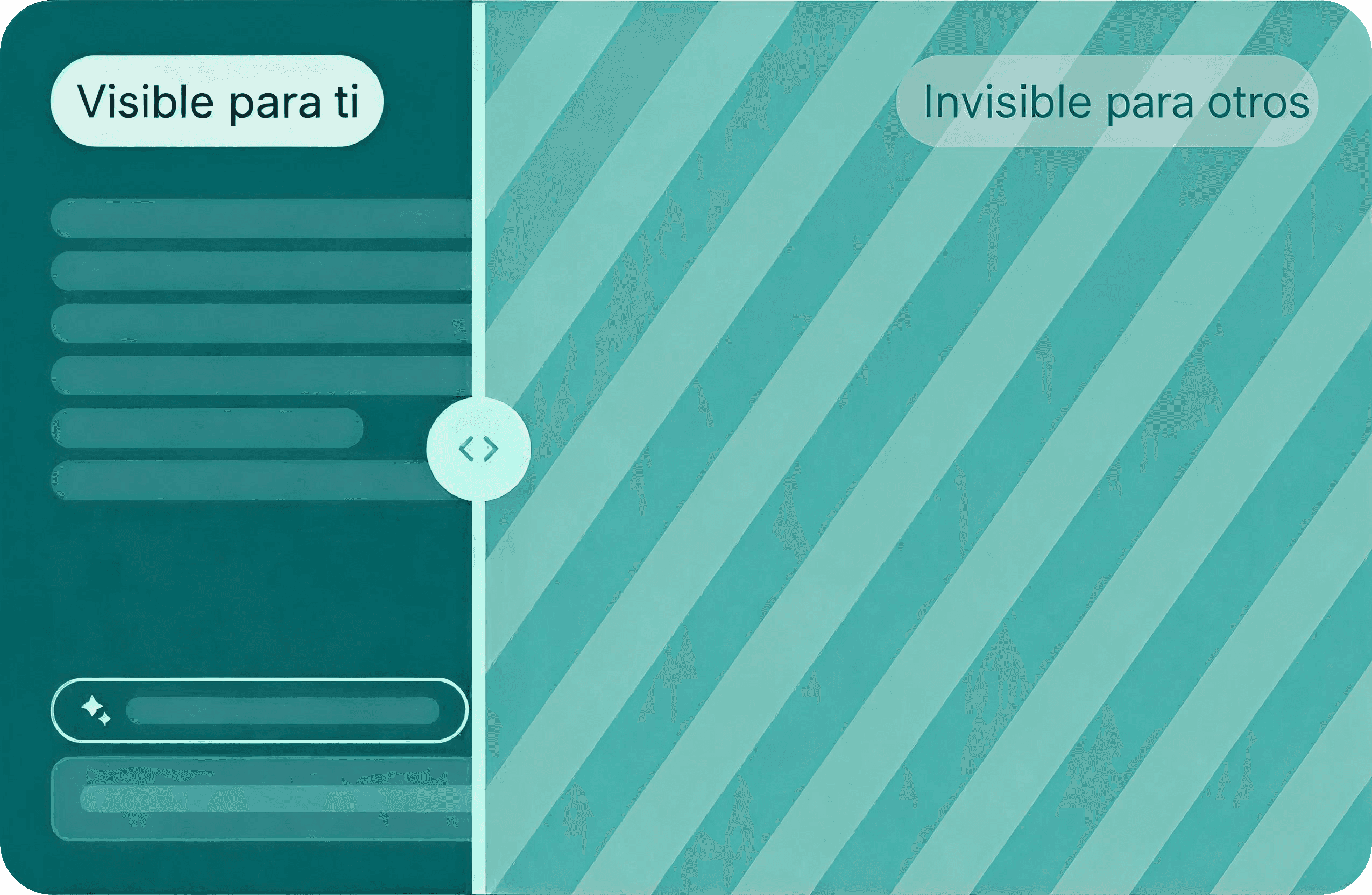
Hidden window.

See your text while sharing your screen, without others seeing it.

Hidden window.

See your text while sharing your screen, without others seeing it.

2. Ventana oculta

See your text while sharing your screen, without others seeing it.

Voice tracking.

The text moves as you speak, so you do not have to scroll or lose your rhythm..

Voice tracking.

The text moves as you speak, so you do not have to scroll or lose your rhythm..

3. Seguimiento por voz

The text moves as you speak, so you do not have to scroll or lose your rhythm..

Pricing

Activate Pro version when you need it.

Choose the plan that best fits the way you present. Start for free and unlock advanced features when you need them.

Basic Plan

Free

Access to the app

Visible window

Up to 3 notes

Basic tracking

Slide control

Custom appearance

Other advanced features

$6

/ per month

Access to the app

Ventana Invisible

Visible window

Basic tracking

Slide control

Custom appearance

Other advanced features

$6

/ per month

Access to the app

Up to 3 notes

Visible window

Basic tracking

Slide control

Custom appearance

Other advanced features

$6

/ per month

Pro access

Ventana Invisible

Unlimited notes

Voice tracking

Slide control

Custom appearance

Other advanced features

Basic Plan

Free

Access to the app

Up to 3 notes

Visible window

Basic tracking

Slide control

Custom appearance

Other advanced features

FAQs

Have questions?
We got answers.

Everything you need to know about how Oculta works and how to use it during meetings, recordings, or presentations.

What is Oculta App?

How does the hidden window work?

Does the text appear in recordings or screen sharing?

Does it work with Zoom, Google Meet, and Microsoft Teams?

Do I need to install anything extra?

Does it work on Mac and Windows?

How does voice tracking work?

What types of situations can I use Oculta App for?

Does Oculta App save my script or my texts?

Who uses Oculta App?

How much does Oculta App cost?

Does Oculta App have an affiliate program?

How does voice tracking work?

What types of situations can I use Oculta App for?

Does Oculta App save my script or my texts?

Who uses Oculta App?

How much does Oculta App cost?

Does Oculta App have an affiliate program?